Location Data and Content Association
This guide explains how to use location data to ensure help content appears in the correct UI context within New Relic One.
Understanding Location Data
New Relic One consists of multiple capabilities (Nerdpacks) organized through primary and secondary navigation menus. The same view can appear in different contexts—for example, APM & Services versus Browser, or All Entities versus Kubernetes.
How Location Context Works
Each Nerdlet defines its context in its nr1.json configuration file. The platform uses navigation context IDs to uniquely identify the active capability and context combination.
The location ID structure varies based on the view type:
- Standalone nerdpack: Identified by nerdpack ID only
- Nerdlet within a nerdpack: Combines nerdpack ID and nerdlet ID
- Multi-context nerdlet: Includes primary and secondary navigation locations from
nr1.json - Dynamic view nerdlet: Incorporates query parameters
- Entity-specific view: Associated with a particular entity
The in-app-help-service currently requires explicit location IDs for each context. Generic content that applies across all contexts of a nerdpack is not yet supported—each context must be individually associated.
Location ID Examples
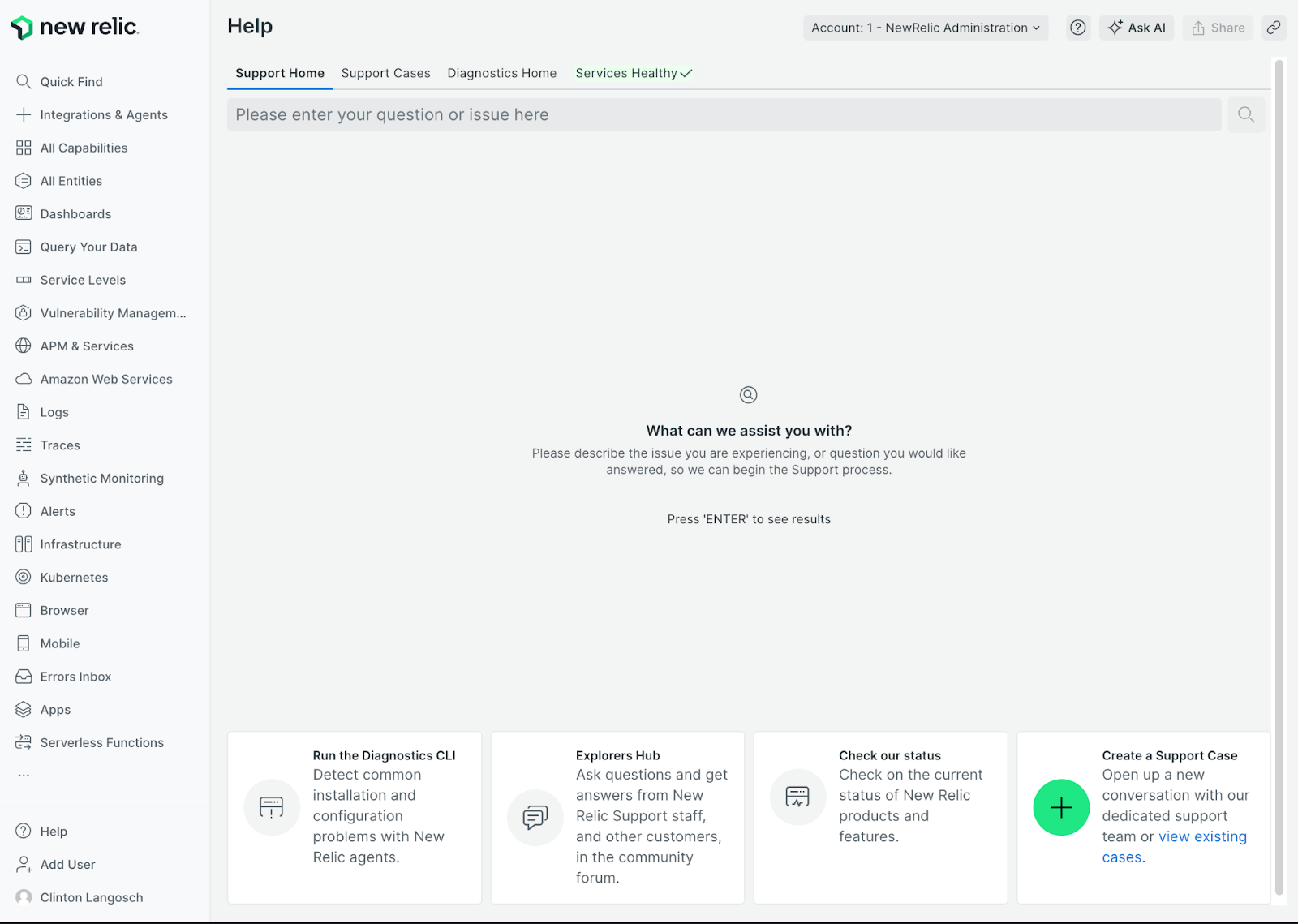
Standalone Nerdlet
Support Nerdlet
Location ID: help-xp.home
Navigation data:
mainNerdletId:help-xp.home
Multi-Context Nerdpack
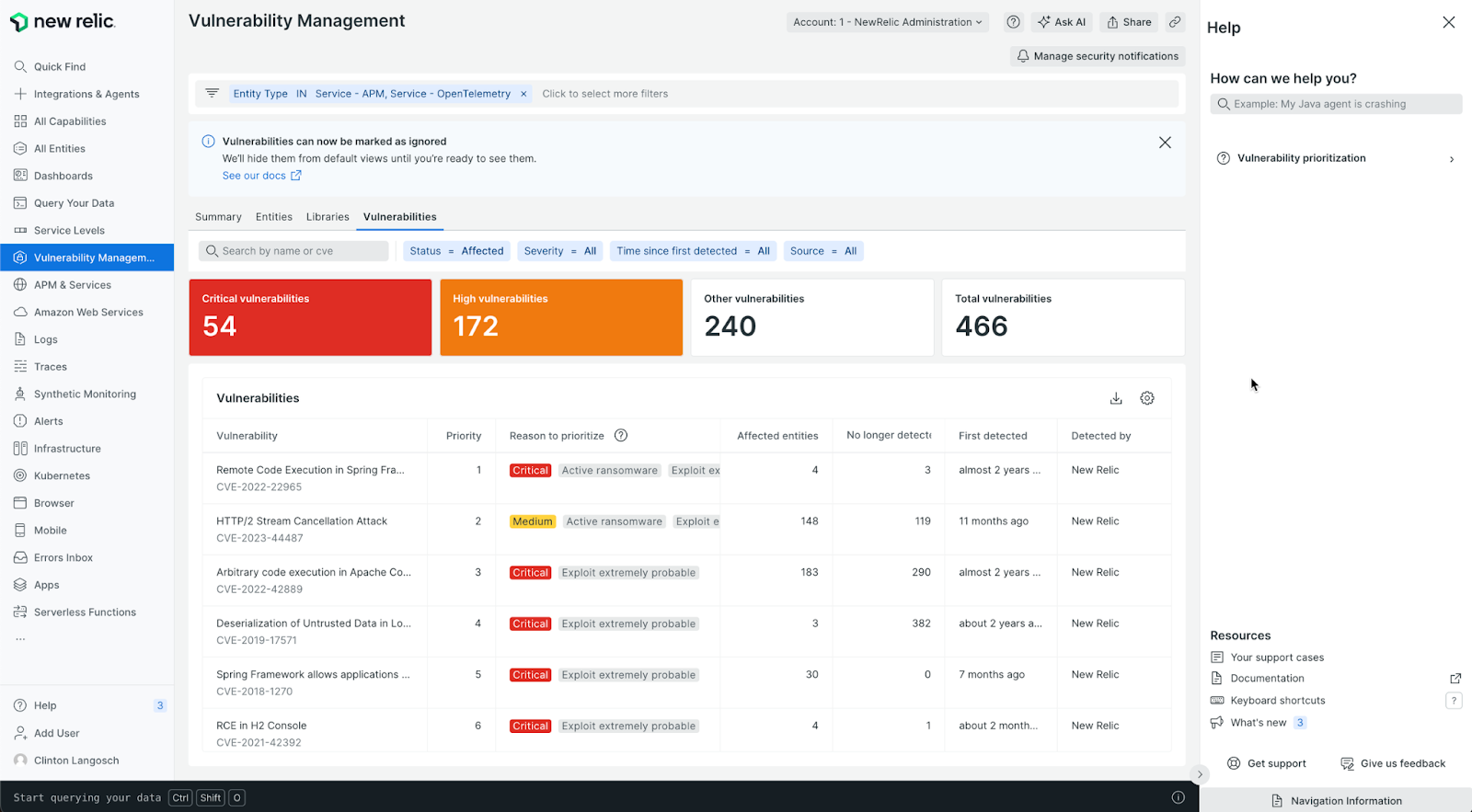
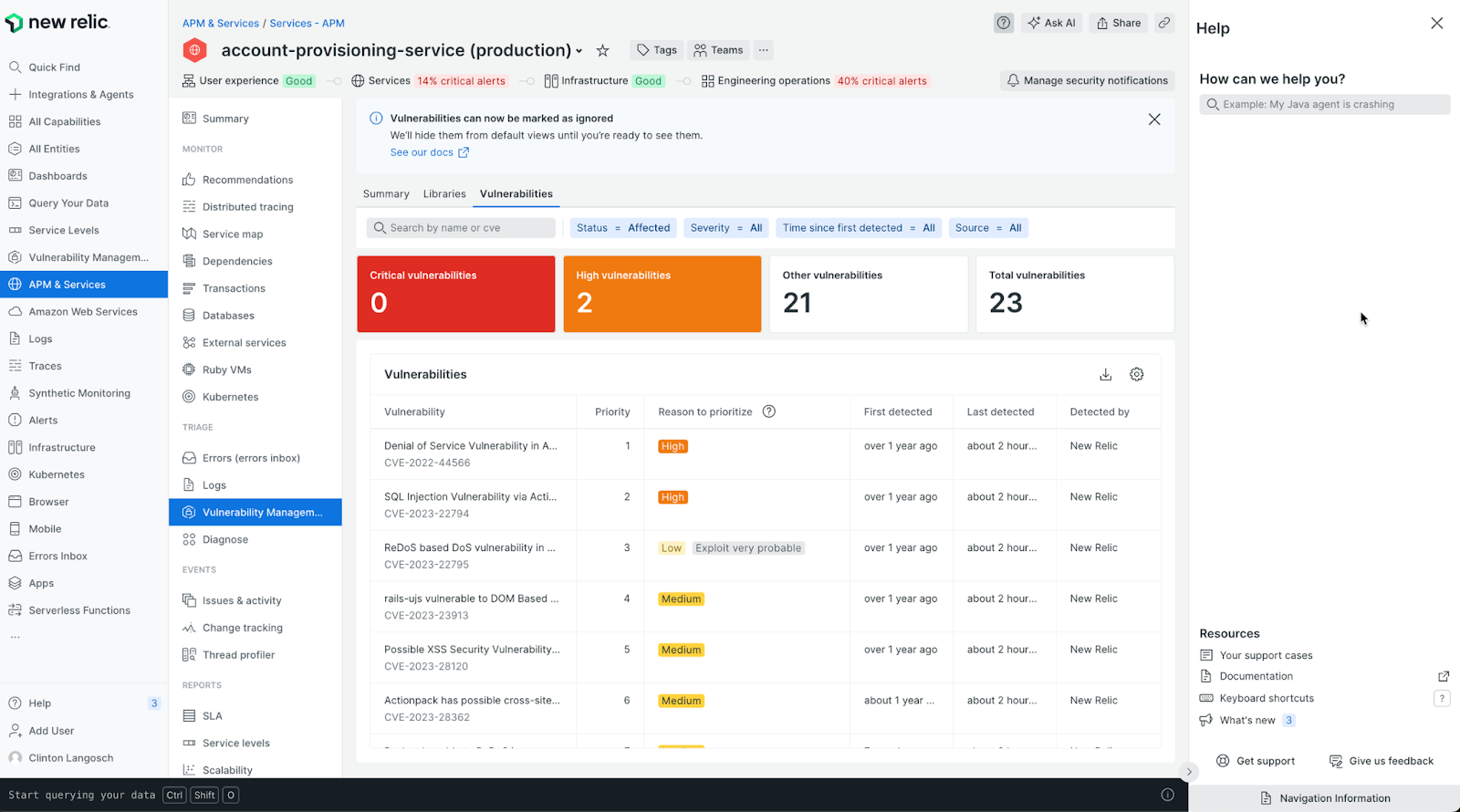
APM & Services > Vulnerability Management
Location ID: vulnerability-management.scoped/APM/vulnerability-management.scoped
This context is defined in the nerdlet's nr1.json file, indicating where it can appear in the navigation hierarchy.
Vulnerability Management Home
Location ID: vulnerability-management.home/SECURITY
Dynamic View Nerdpack
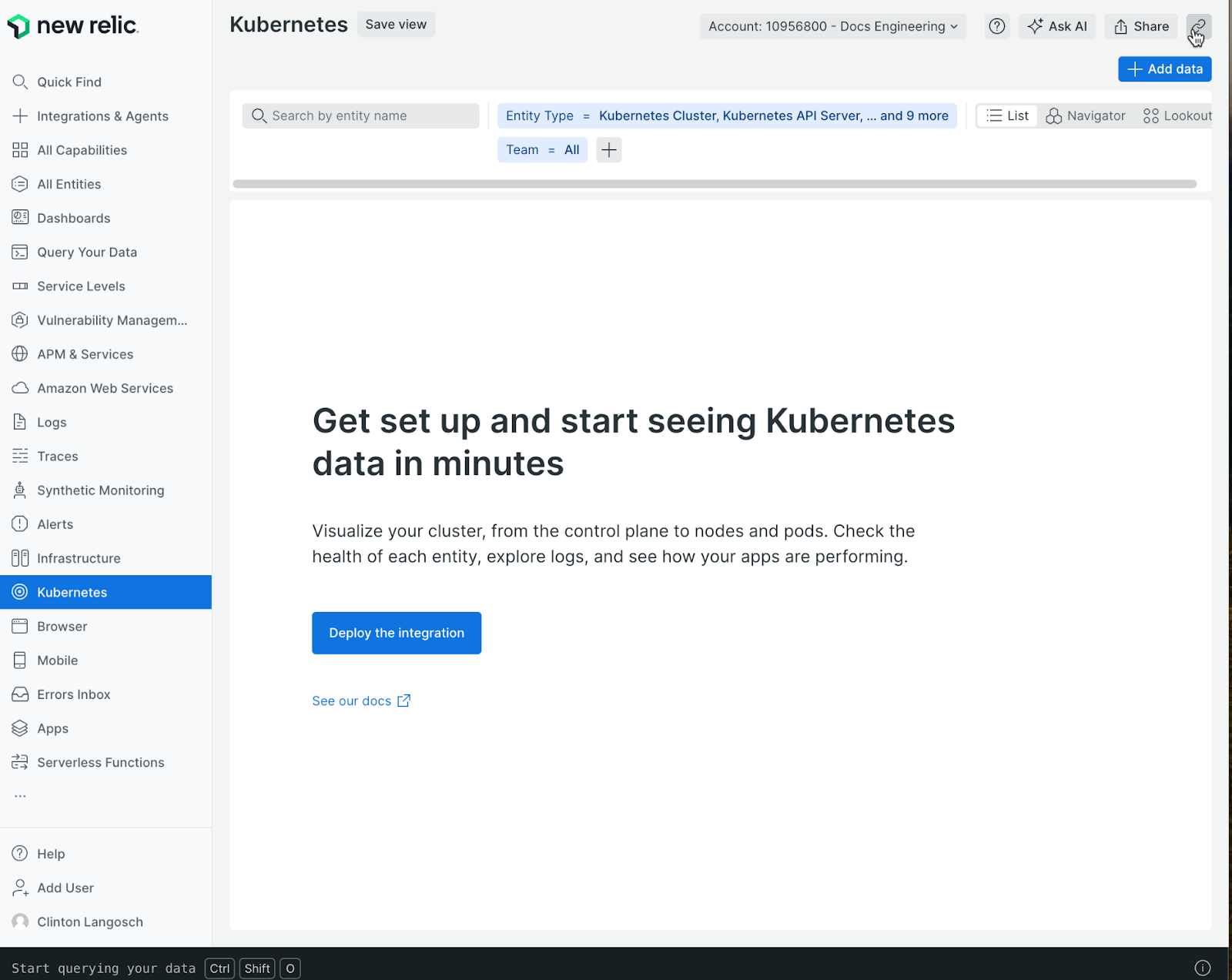
Kubernetes
Location ID: nr1-core.home/KUBERNETES
Navigation data:
mainNerdletId:nr1-core.homeactivePrimaryNavigation:KUBERNETES
APM & Services > Summary
Location ID: apm.overview/APM/apm.overview
Navigation data:
mainNerdletId:apm.overviewactivePrimaryNavigation:APMactiveEntityOverviewNavigation:apm.overviewentityGuid:MXxBUE18QVBQTElDQVRJT058MjE1MTc4NDE
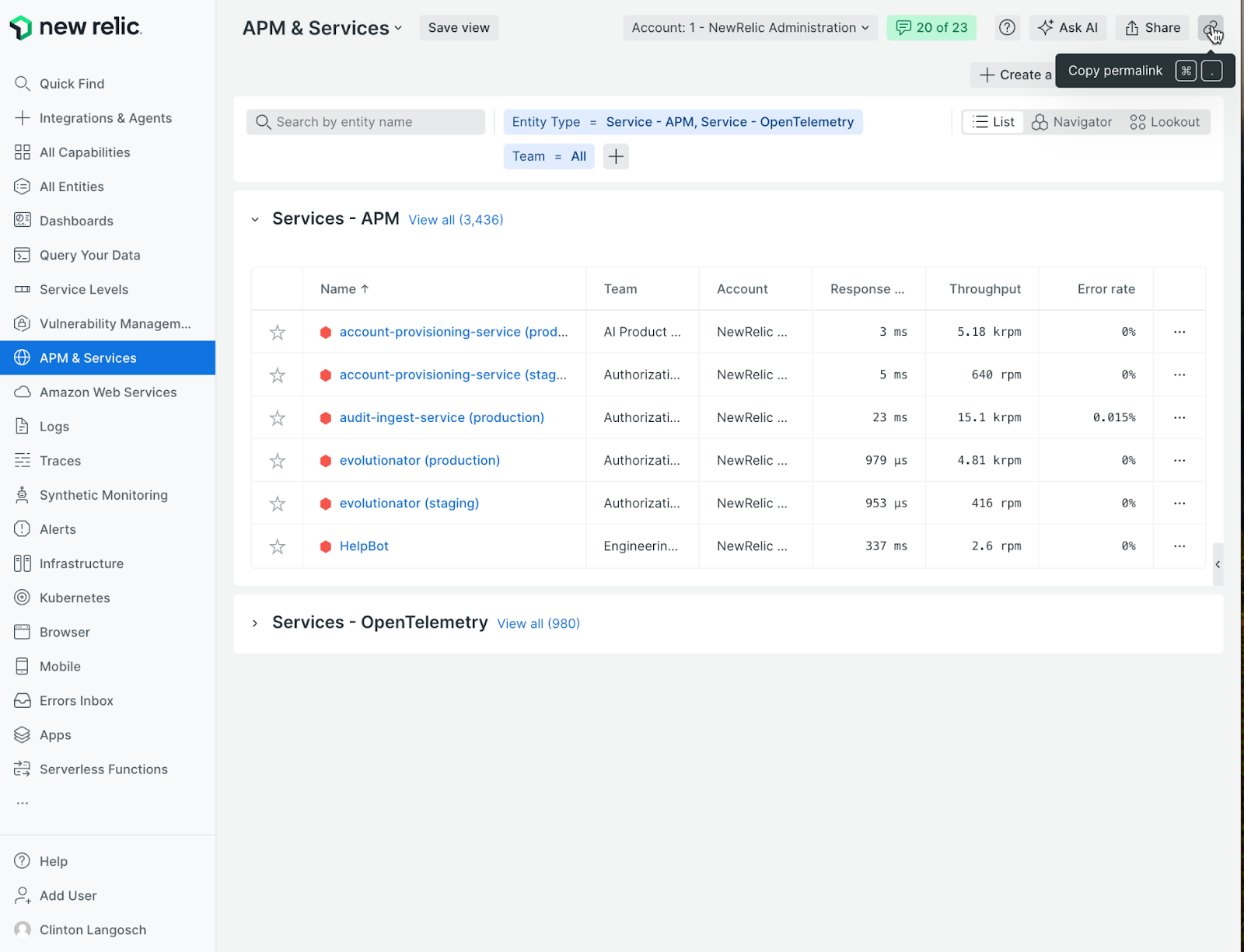
APM Overview Landing Page
Location ID: nr1-core.home/APM
Navigation data:
mainNerdletId:nr1-core.homeactivePrimaryNavigation:APM
Associating Content Across Multiple Contexts
When a nerdpack appears in multiple capability contexts, follow these steps to associate help content correctly:
- Identify all contexts: Review the nerdpack's
nr1.jsonfile or consult the product manager to find all contexts where it appears - Navigate to each context: Visit each relevant UI page in the staging environment
- Open the Help panel: Click the global ? entry point
- Access Navigation Information: Click the Navigation Information button at the bottom of the panel
- Copy the location ID: Copy the suggested ID displayed for that context
- Update content configuration: Add all collected IDs to the
locationfrontmatter field (as an array) in the relevant MDX file in the in-app-help-service repository
Location ID Structure
The suggested location ID follows this pattern derived from the useNavigationContext() platform hook:
mainNerdletId/activePrimaryNavigation/activeSecondaryNavigation/activeEntityOverviewNavigation
Key characteristics:
- Uses
/as the delimiter (because.appears in some IDs) - Components are included only when present in the navigation state
- Entity-specific association via
entityGuidis not currently supported
Technical Resources
- CDD: Expose Active Capability of User via API - Detailed technical documentation on location data and the navigation context API